Core mode
Transcribe fast
Capture speech live or bring recordings in later.
Seda / local-first transcription
Live transcription, saved sessions, translation, and follow-up notes built around spoken work.
For meetings, interviews, dictation, and imported audio.
TestFlight available now for iPhone and macOS.
Core mode
Capture speech live or bring recordings in later.
Platforms
Built for Apple platforms, not a browser wrapper.
Current status
TestFlight available now for iPhone and macOS.
Core workflows
Capture
Capture speech live during meetings, interviews, and dictation, or import existing audio when you want to transcribe it later.
Organise
Keep transcripts and follow-up outputs organised as saved sessions, so you can return, search, export, and continue work later.
Extend
Translate transcript content and build follow-up notes with local AI workflows designed to keep spoken work usable after capture.
01 / First launch
A quiet opening screen that feels like a product, not a tool dump.
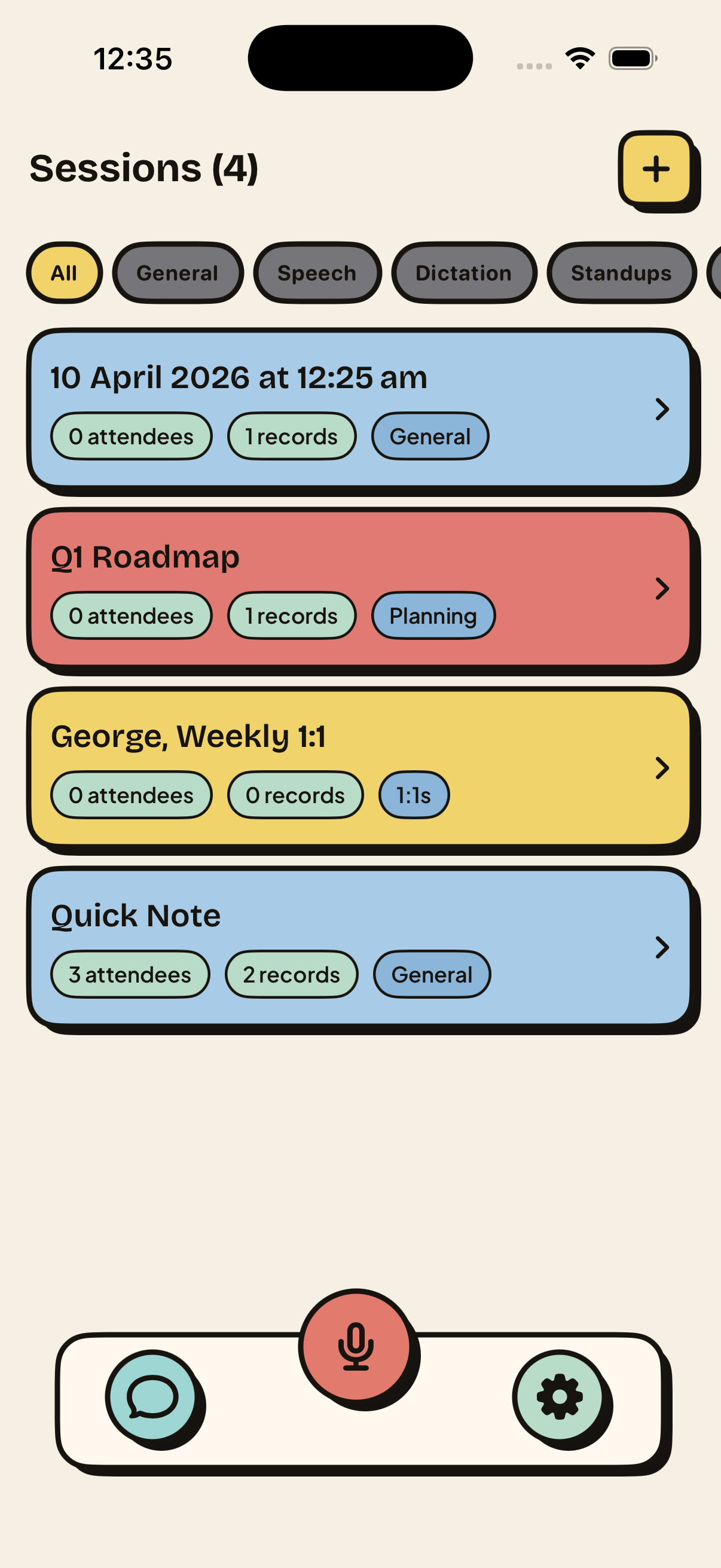
02 / Jump back in
Saved sessions stay close so returning to earlier work is immediate.
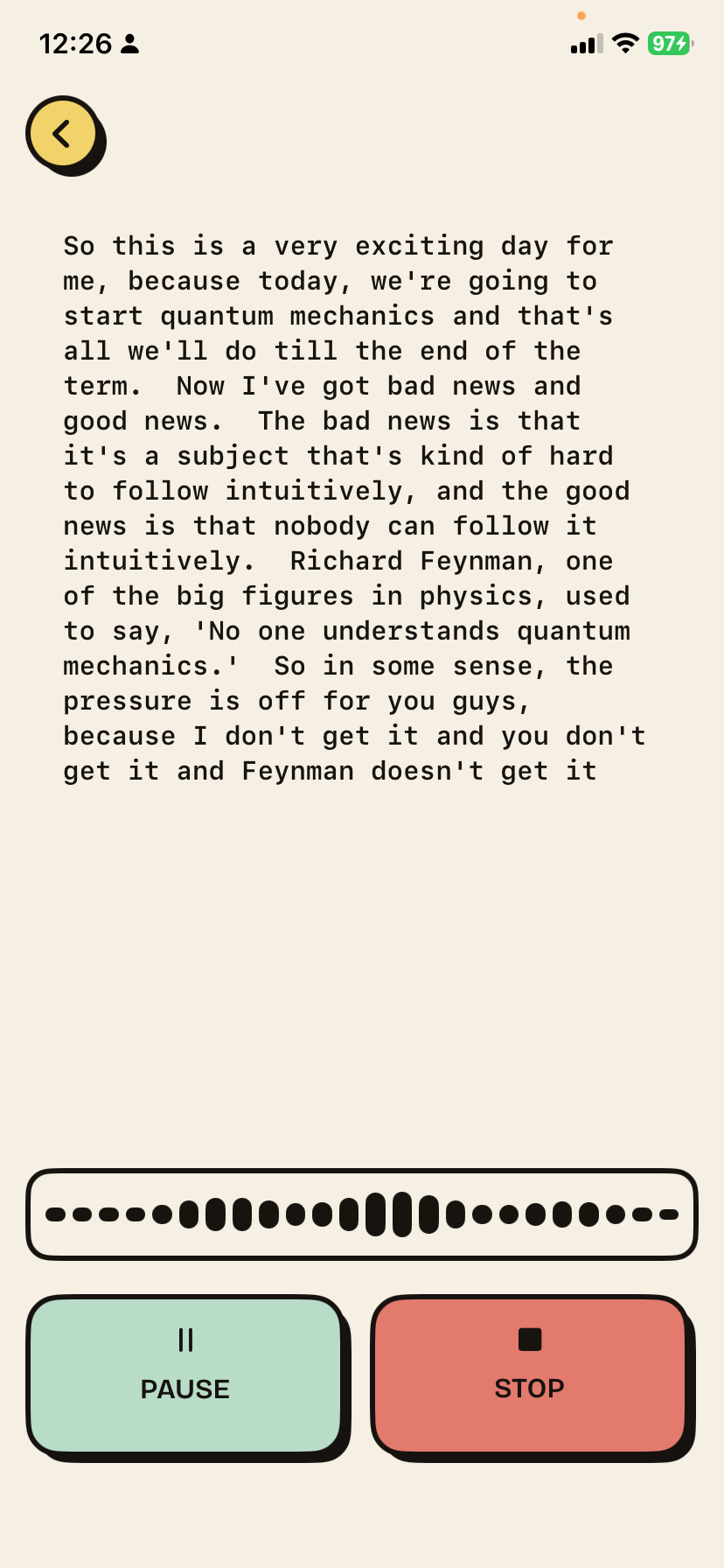
03 / Capture live
Transcription stays front and center while recording is in progress.
04 / Start fast
The setup step is quick enough that it does not interrupt the moment.
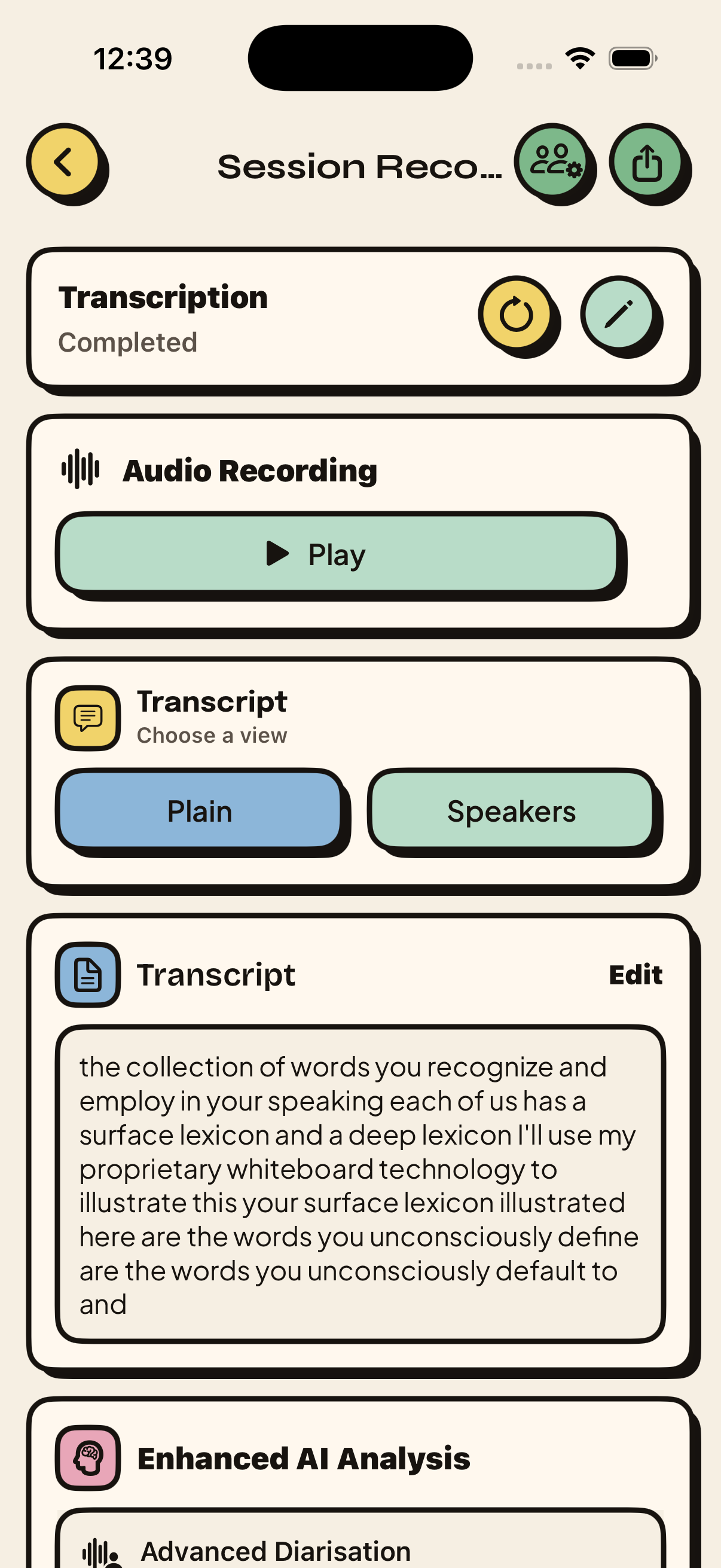
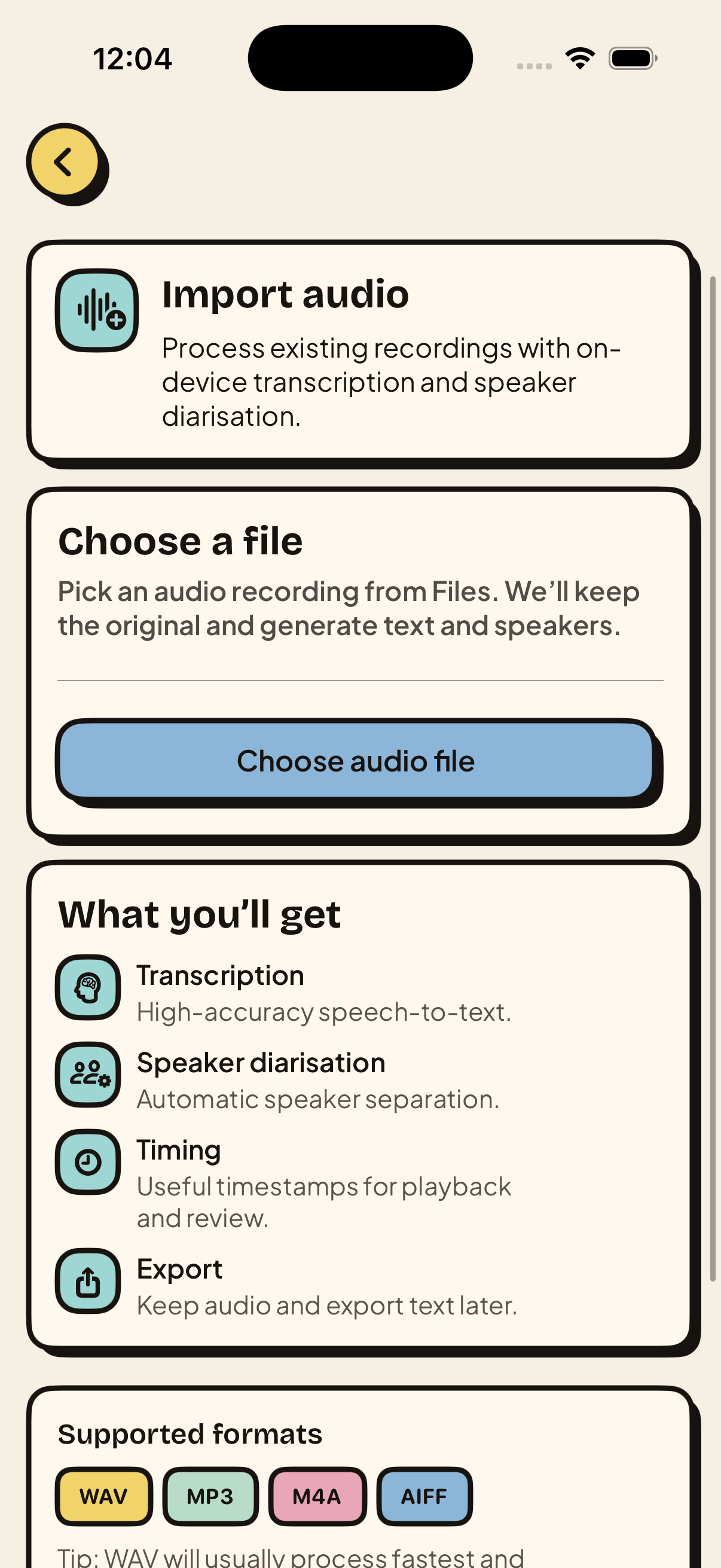
05 / Bring audio in
Existing recordings can move straight into the same transcript flow.
Release status
TestFlight available now for iPhone and macOS.
Support
Join the TestFlight, try live transcription, and send feedback while Seda moves towards App Store release.
Release status
Beta available now for iPhone and macOS via TestFlight.
FAQ
Not yet. Seda is currently available through TestFlight for iPhone and macOS.
Meetings, interviews, dictation, imported audio, translation, and follow-up notes.
Yes. App Store and direct download links will be added once public releases are available.